
Search for articles...
Search for articles...
Step-by-step instructions describing the process of creating a new project
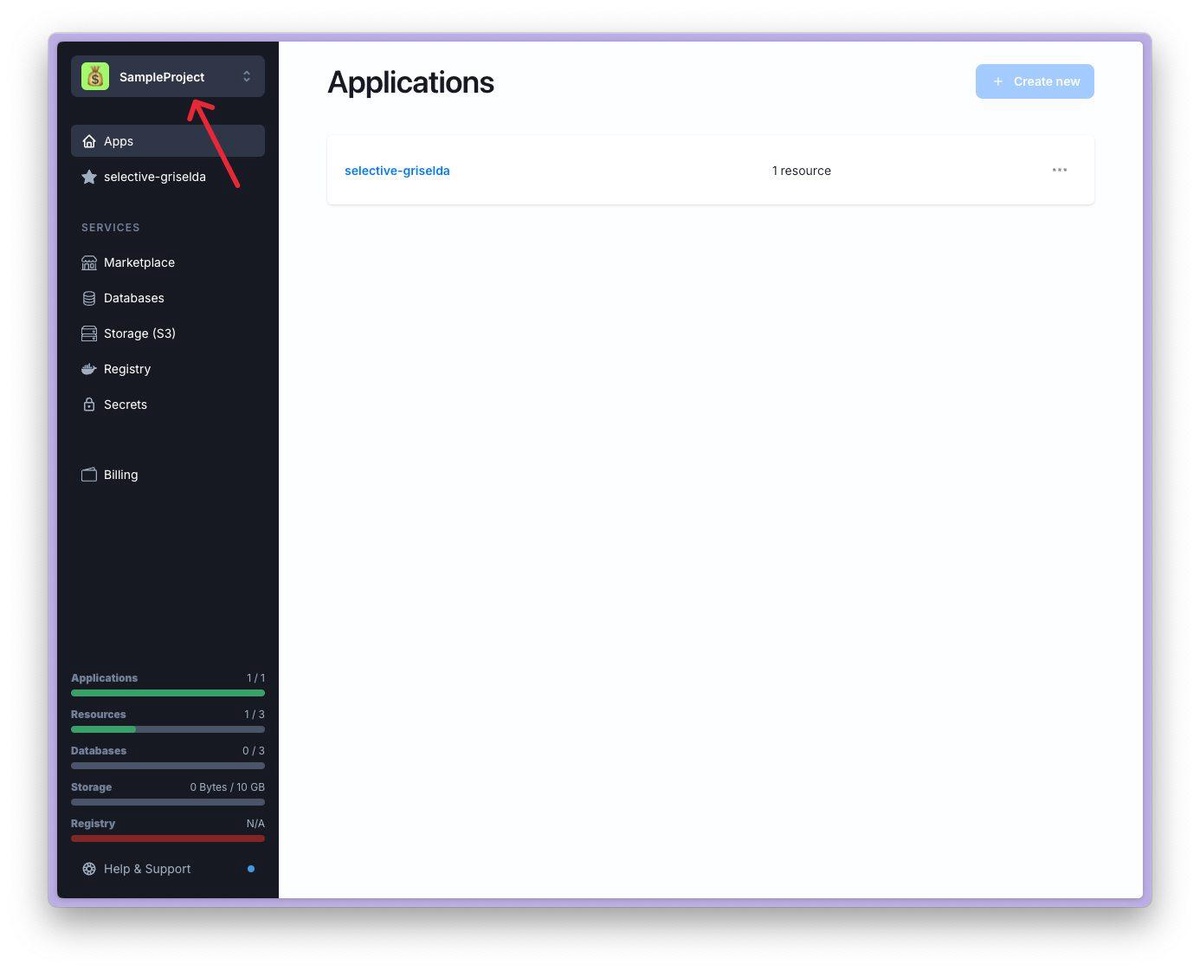
1. Click on the project selection menu in the upper left corner.
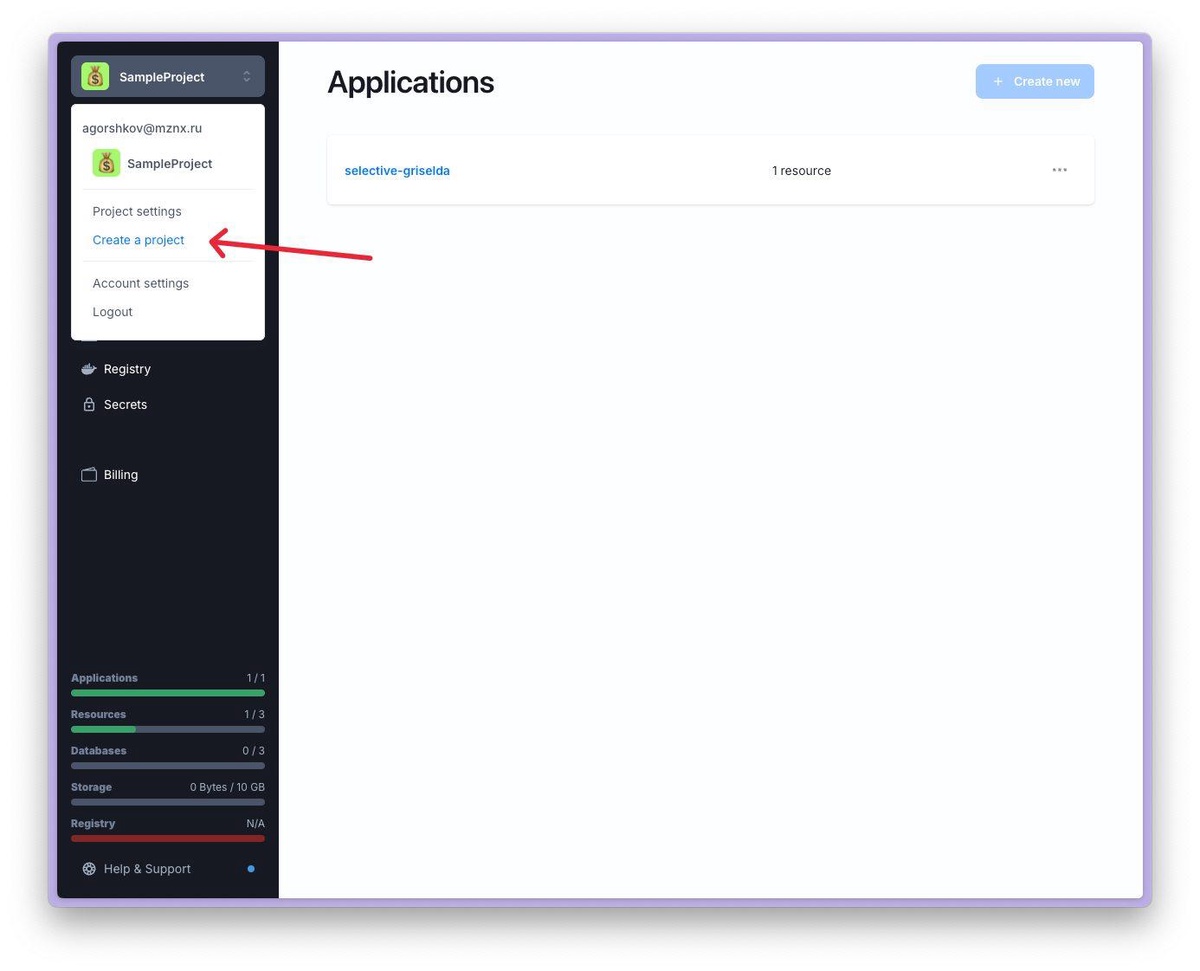
2. Select Create a Project from the drop-down menu.
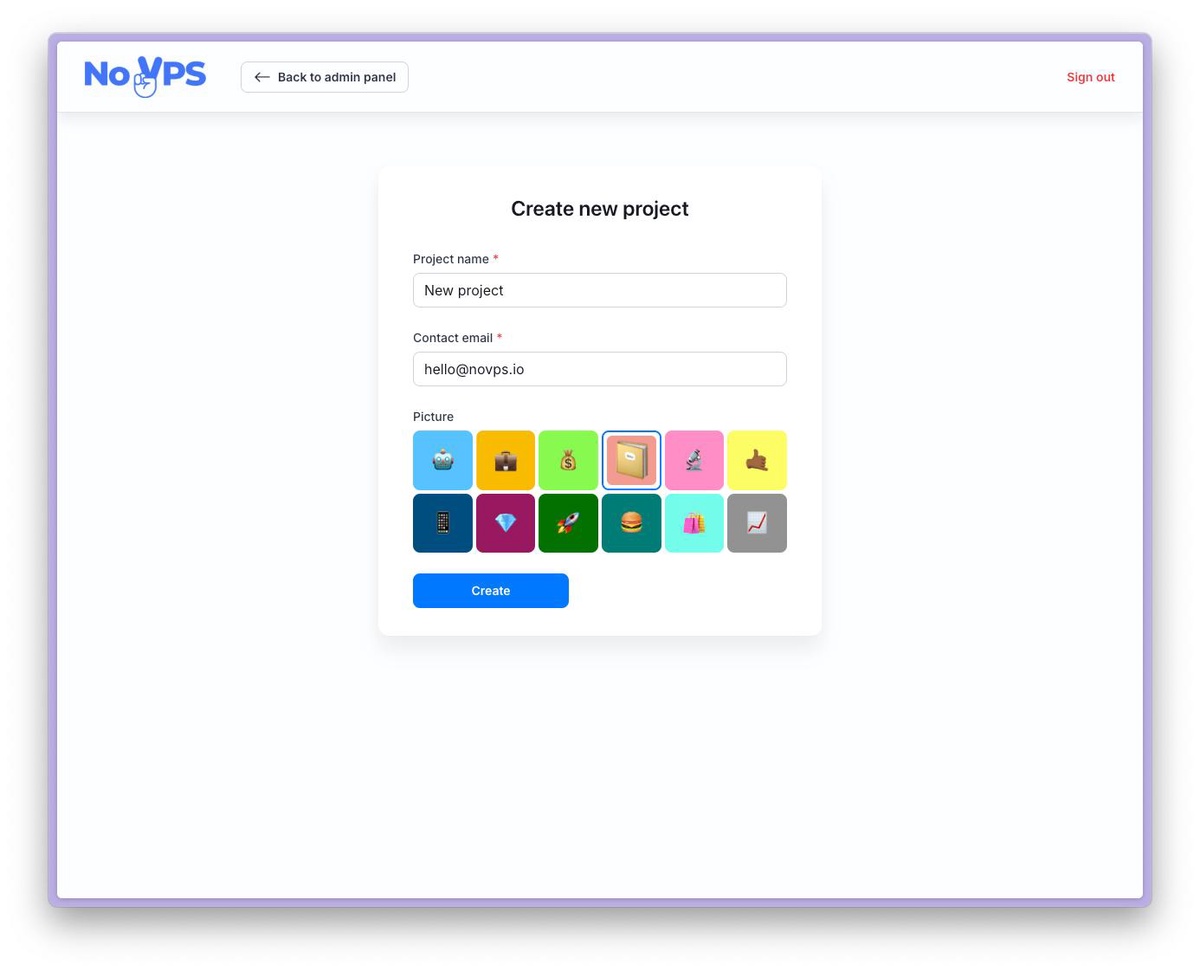
3. Enter the name of the new project, your contact email address, and select an icon. Press Create button
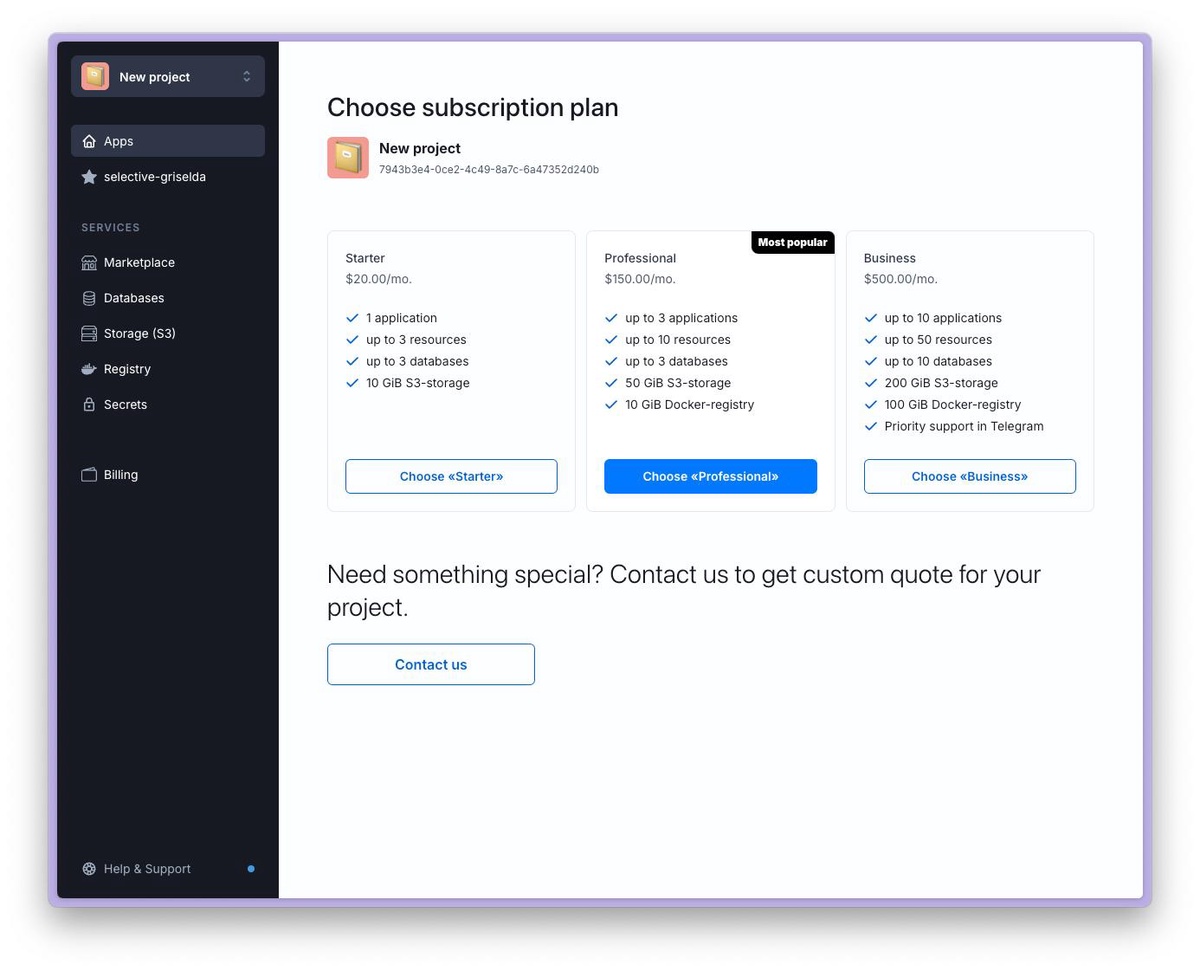
4. Select a suitable pricing plan and pay for it.If you need a special configuration, click on the Contact us button to get in touch with our managers.
5. Your new project is ready to go. You can change the active project in the top left menu.
Understanding Projects
Projects in Novps are the foundation of how your applications and resources are organized within the platform...
Pricing
Comparison table of tariff plans
Ownership and Access Control
Short description of project ownership and access control
How to invite new member to Project
This article explains how to invite a new user to your project.