
Search for articles...
Search for articles...
NoVPS console client description
The NoVPS console client allows users to interact with applications, resources, databases, S3 storage, Docker images, and secrets via the terminal.
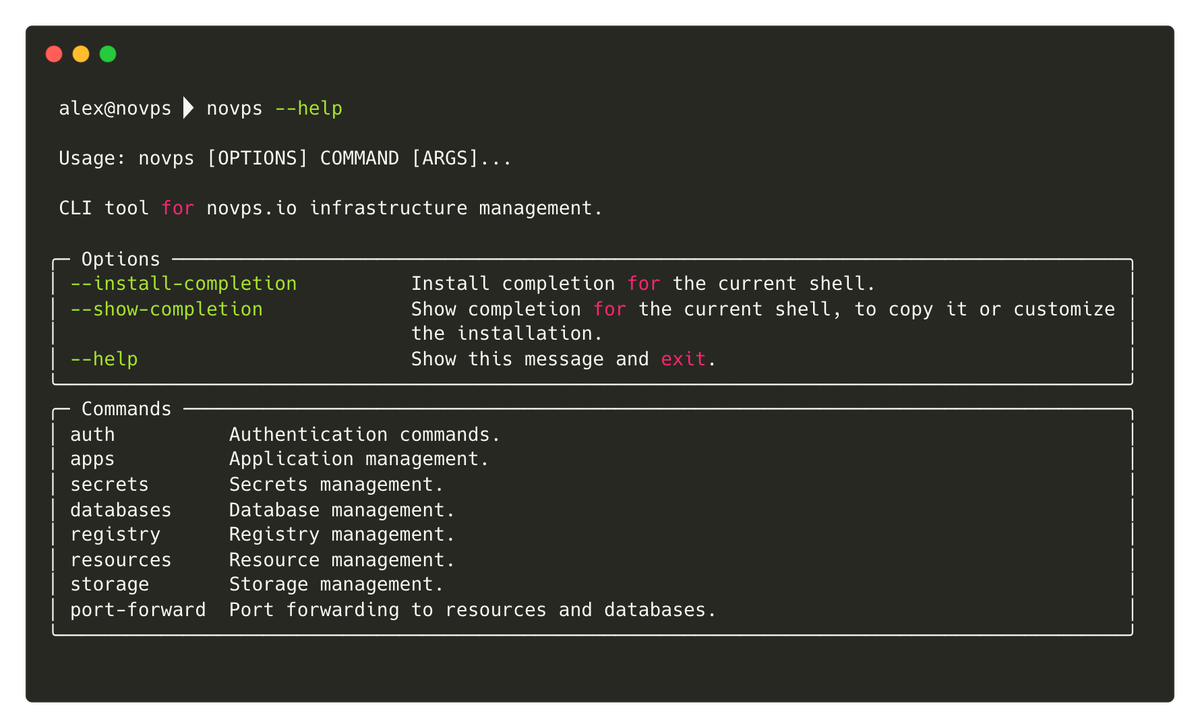
Sometimes, a terminal is the most convenient way to obtain certain information or perform a specific action.
For example, developing your own application often requires access to a database. Since databases and applications in NoVPS are run in the cloud, accessing them can be problematic.
The NoVPS platform cares about database security, which is why we do not expose them externally. Therefore, in order to connect to the database to change a record or perform an action, customers were forced to resort to complex solutions, such as rolling out a web interface to the database or connecting via a console in a browser. These solutions are neither good nor convenient, so the NoVPS team developed and released a console client that allows ports to be forwarded to a local machine.
In addition, you can use the console client to track your resource logs in real time, as if you had run tail -f /var/logs/app.log.
To install the NoVPS console client, you can use the installation script located at cli.novps.io. To install the client, run the following command in your terminal:
The installation script will detect your operating system and install the necessary binary package, after which you will be able to use all the features of the NoVPS console client.
To use the NoVPS CLI console client, you need to log in using your personal access token. You read article if you can't find out how to obtain and create a personal access token.
Once you have obtained your personal access token, you need to run the following command in the terminal:
This will save your credentials for future work with the project. Please note that the personal access token is linked to the project. If you plan to work with multiple projects, you must create a separate token for each one. You can use the --project alias parameter during authorization to save your credentials for future use. This alias will then need to be passed in the --project parameter when executing commands.